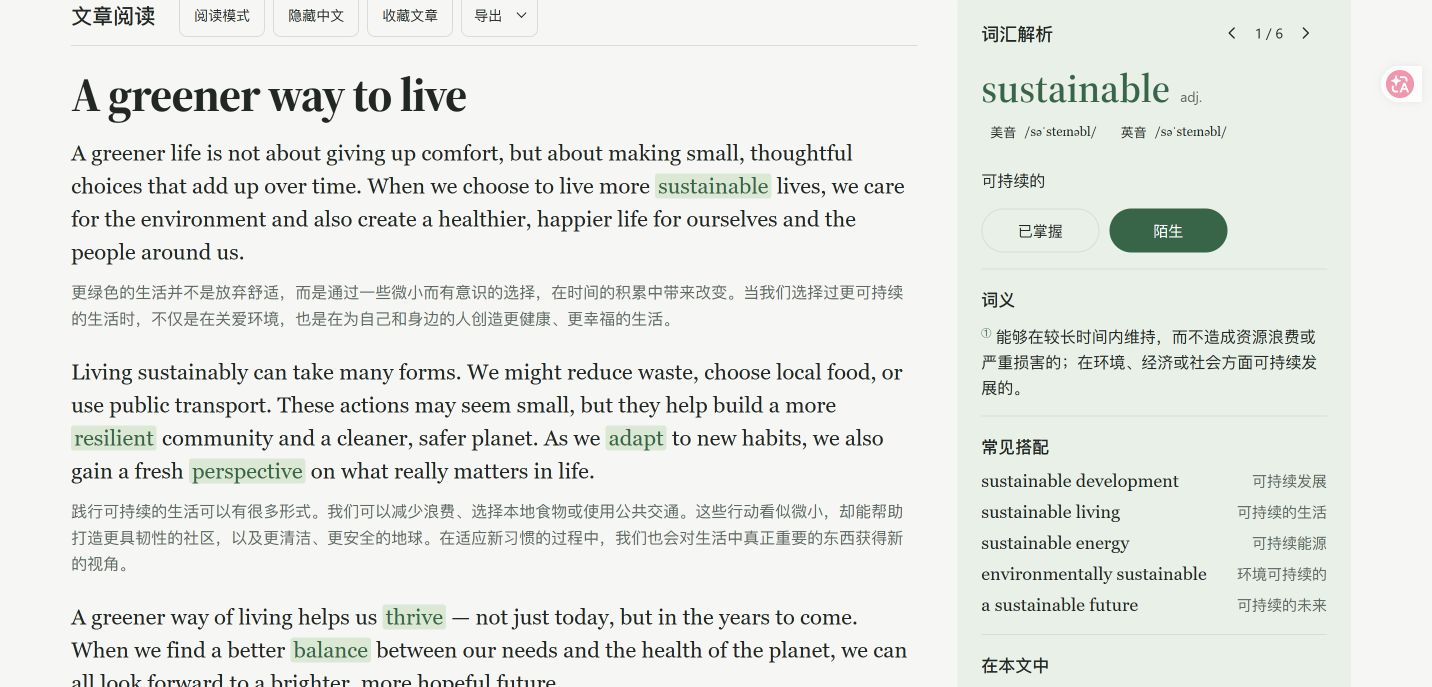
Repository reading capture: bilingual text and vocabulary details. This existing capture may differ from the latest interface.
01 / THE IDEA
Words become stories. Stories become practice.
A vocabulary list tells a learner what to memorize, but rarely shows how words work together. Even after an article is generated, unfamiliar words can become detached from the passage that made them meaningful.
Start with words the learner chooses. Generate either an English story with paired Chinese sentences or a Chinese story with embedded English vocabulary. Keep contextual definitions connected to the passage, then preserve source articles and mastery states for the next study session.
02 / THE EXPERIENCE
From start to finish.
01
Shape the vocabulary
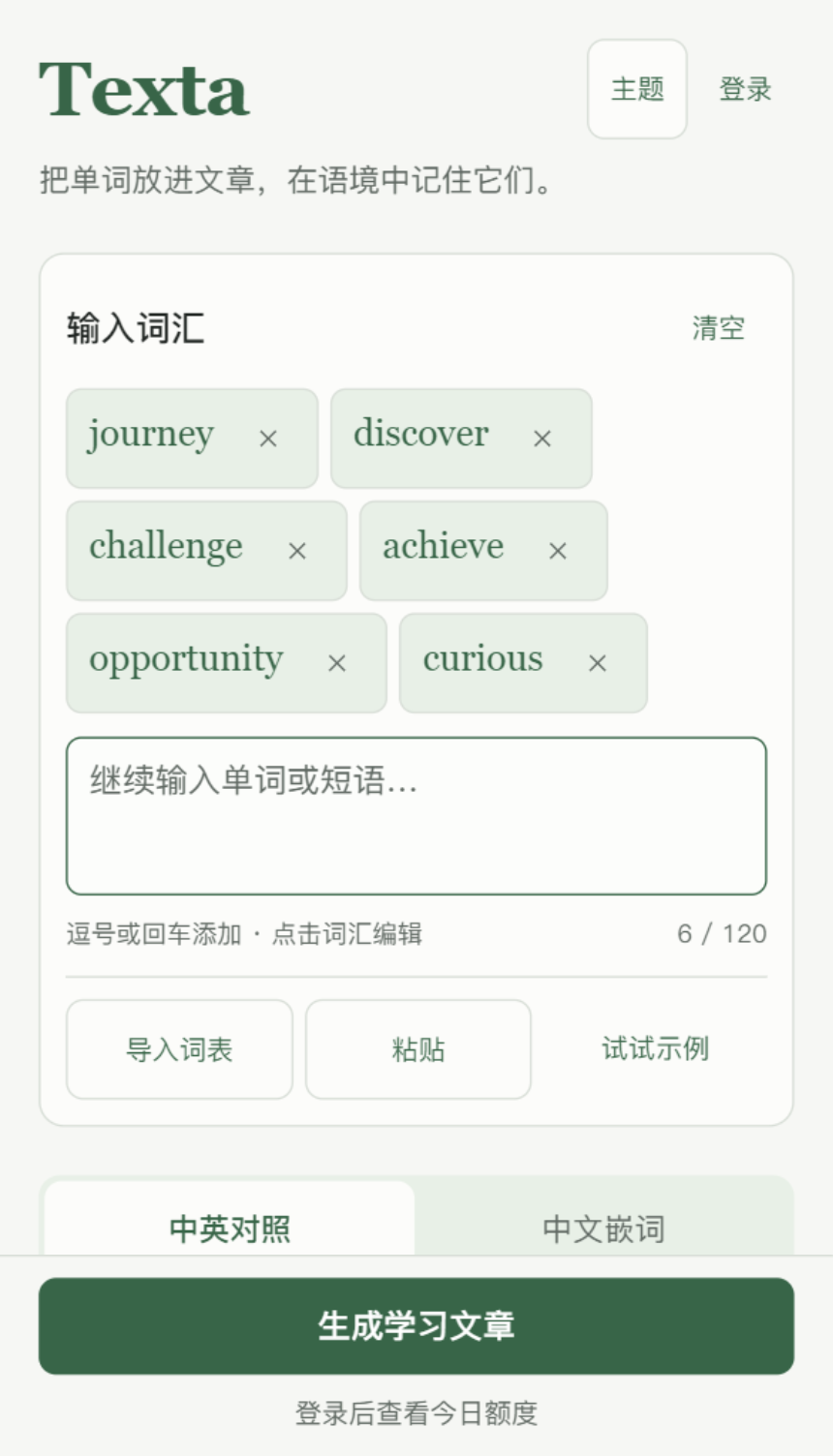
Paste or import words and phrases, edit the word chips, review spelling suggestions, and choose a reading mode and optional short article.
02
Generate the material
The service prepares a story and missing dictionary cards in parallel, validates vocabulary coverage and markers, then returns the complete result.
03
Read with context
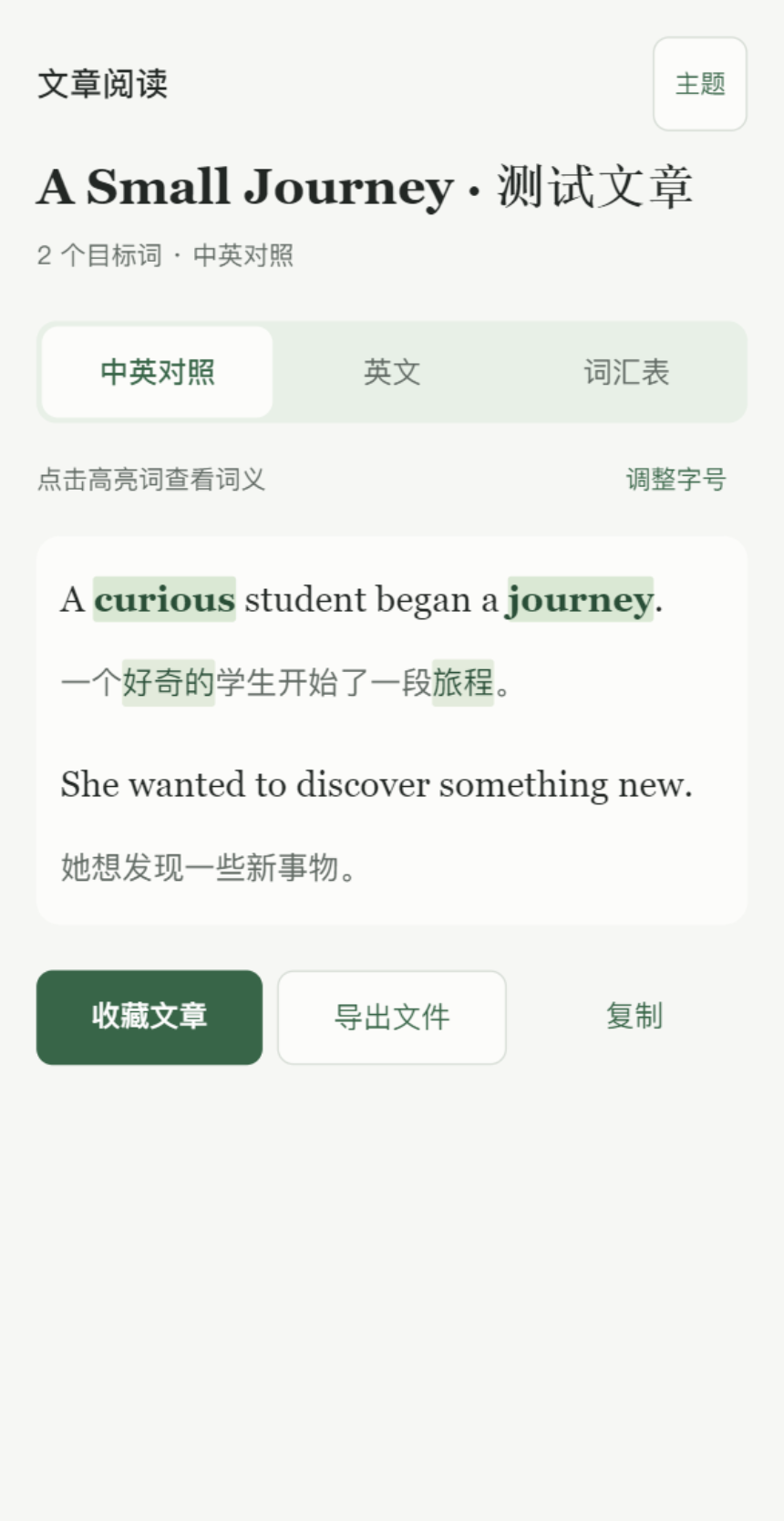
Tap a highlighted word to connect its meaning, example sentence, and translation. The web uses a side panel; WeChat uses a native bottom drawer.
04
Return and review
Save an article or a word with its source. In WeChat, use filtered notebook words to prefill a new review article; export materials when needed.
03 / KEY DECISIONS
The details that shape it.
01
Two routes into the same vocabulary
Bilingual stories support English reading with sentence-level Chinese reference. Embedded-word stories offer a Chinese narrative with English targets. Vocabulary, reading mode, and length are the core controls; difficulty tiers are no longer part of this flow.
02
A meaning belongs to a sentence
A word’s meaning in the current story is displayed alongside reusable dictionary details such as other senses, collocations, word formation, and IPA. Parsed markers connect each highlight to its actual sentence rather than an unrelated dictionary example.
03
Review keeps its source
Notebook entries retain their source article and mastery state. Readers can reopen the original usage. The mini program also sends the currently filtered words into a short bilingual article draft, ready for the learner to generate another context.
04
Shared material, native interactions
Next.js, native WeChat pages, and an Electron wrapper connect to one Express API and PostgreSQL library. Saved articles, words, and mastery preferences sync through snapshot merging, while drafts and recent history remain on each device.
05
A reading becomes a study document
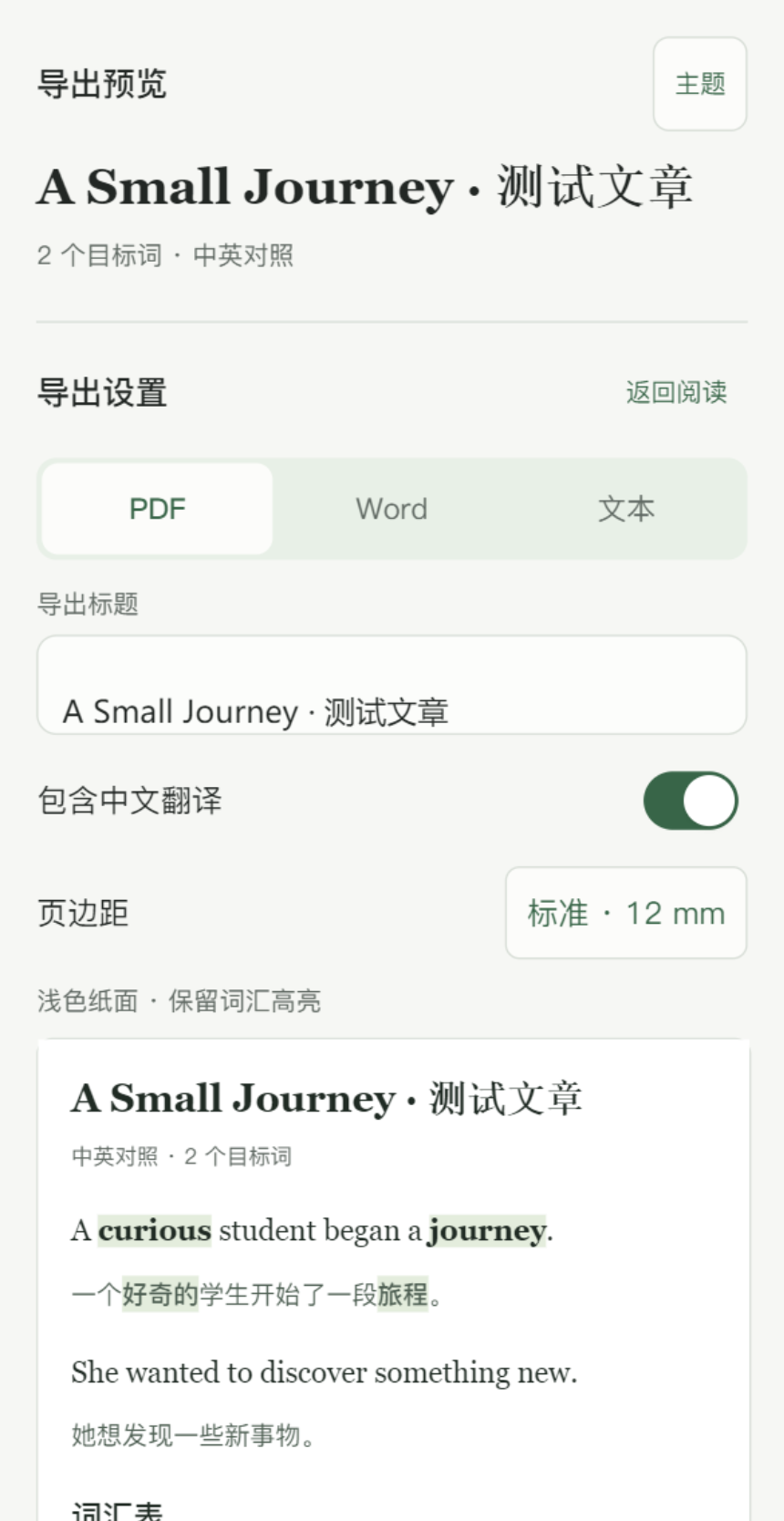
Export previews let the learner set a title, translation visibility, and margins. A three-column glossary follows the article. The web exports PDF and HTML-based Word .doc; WeChat adds editable OOXML .docx, TXT, and copying.
Native WeChat input and spelling assistance; repository simulator capture with test material.Bilingual reading in WeChat; repository simulator capture with test material.WeChat export settings and preview; repository simulator capture.
04 / IMPLEMENTATION
Under the surface.
Generation validates sentence pairs, vocabulary coverage, and contextual markers, with at most one full retry after content validation fails. These checks establish structure, not the correctness of every story or translation.
Dictionary cards are generated independently, validated, and cached in the database for reuse across articles. Simultaneous requests for overlapping words can reuse in-process work.
Generation needs an account, available credits, a database, and a model provider. Learning gains have not been established by a reported outcome study.
Library sync merges snapshots and can still encounter simultaneous-edit conflicts. Local history is separate from the synced library.
PDF output uses image-based pages. Windows requires network access; signing, distribution, and automatic updates remain incomplete. Mini program source and upload records do not establish its current review status.
How can a review loop show whether learners can use a word in a new situation?
Project source notes and the current GitHub README, reviewed on 18 October 2026. Images are existing repository captures; no new end-to-end generation or release acceptance test was performed.
The question above is a direction for further exploration, rather than a reported research finding.